GENERAL AI CHAT
Useful for everyday questions
- Answers from general model knowledge
- No automatic access to current company information
- No connection to your support workflow
- Lives as a separate chat experience
AI customer support for online schools
Turn your documents, website and support instructions into reliable answers. Add your own decision logic, connect business systems and serve customers through the channels you already use.
Free credits included · No card required
How FileBrain works
Company knowledge
Documents · Help center · Website · FAQs
FileBrain intelligence layer
RAG search · AI models · Custom workflows
From generic chat to business support
A general assistant can hold a conversation. A FileBrain assistant can work inside your support process.
GENERAL AI CHAT
FILEBRAIN PRO
Grounded answers
Add product documentation, policies, help articles and internal instructions. FileBrain retrieves the relevant context before the model responds, so answers reflect the information your business has approved.
PDF, Word, text, Markdown, YouTube and website content.
Review real answers in the playground and improve the knowledge base.
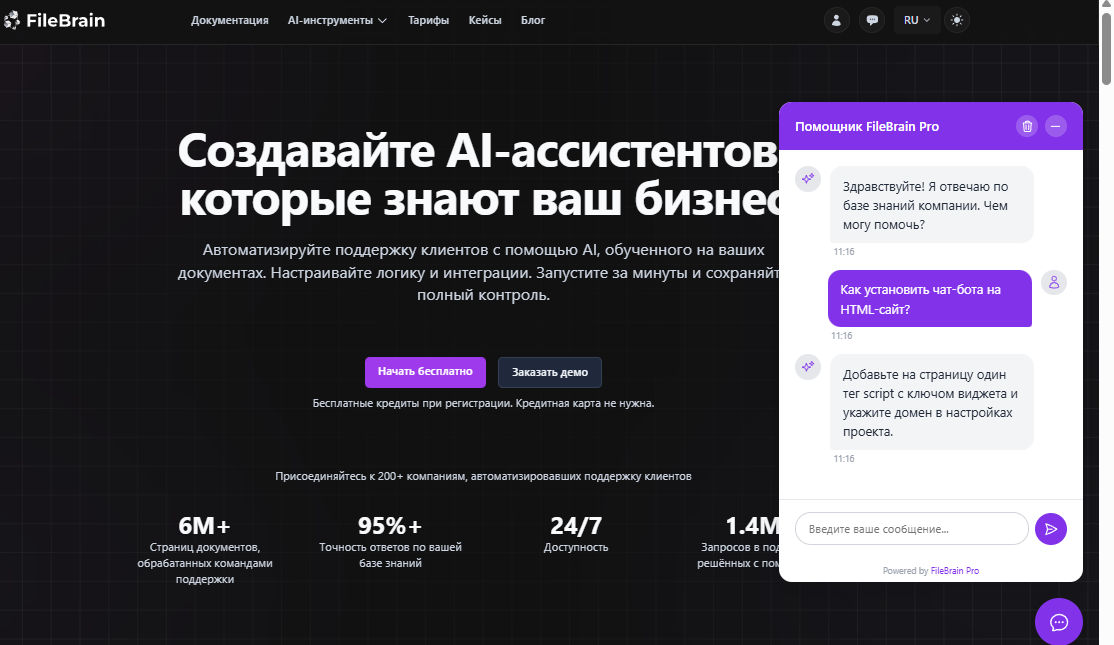
More than answers
Build the logic around the model: classify requests, search selected knowledge, apply conditions, transform data and return the right response through the right channel.
01
Start from a learner message in GetCourse, Prodamus.XL, Telegram or a website widget.
02
Detect intent, inspect context and choose the relevant branch.
03
Search your knowledge and generate a response with the model you select.
04
Send the reply, route the request or continue through connected business logic.
One knowledge layer, multiple channels
Answer learner questions in support dialogs using course and contact context.
View GetCourse integration →
Automate conversations using contact groups, tags and your support logic.
View Prodamus.XL integration →
Support students with the same knowledge and workflows in a Telegram bot.
View Telegram integration →
Add a branded support chat to your school website with one script.
View widget integration →
Create a project, add your knowledge and test the first answers with free credits.